Copyright
Copyright keeps track of your clients' copyright applications. Add the diary number the Copyright Office gave, and Nishaan reads the application's status from the Copyright Office at once and every morning after.
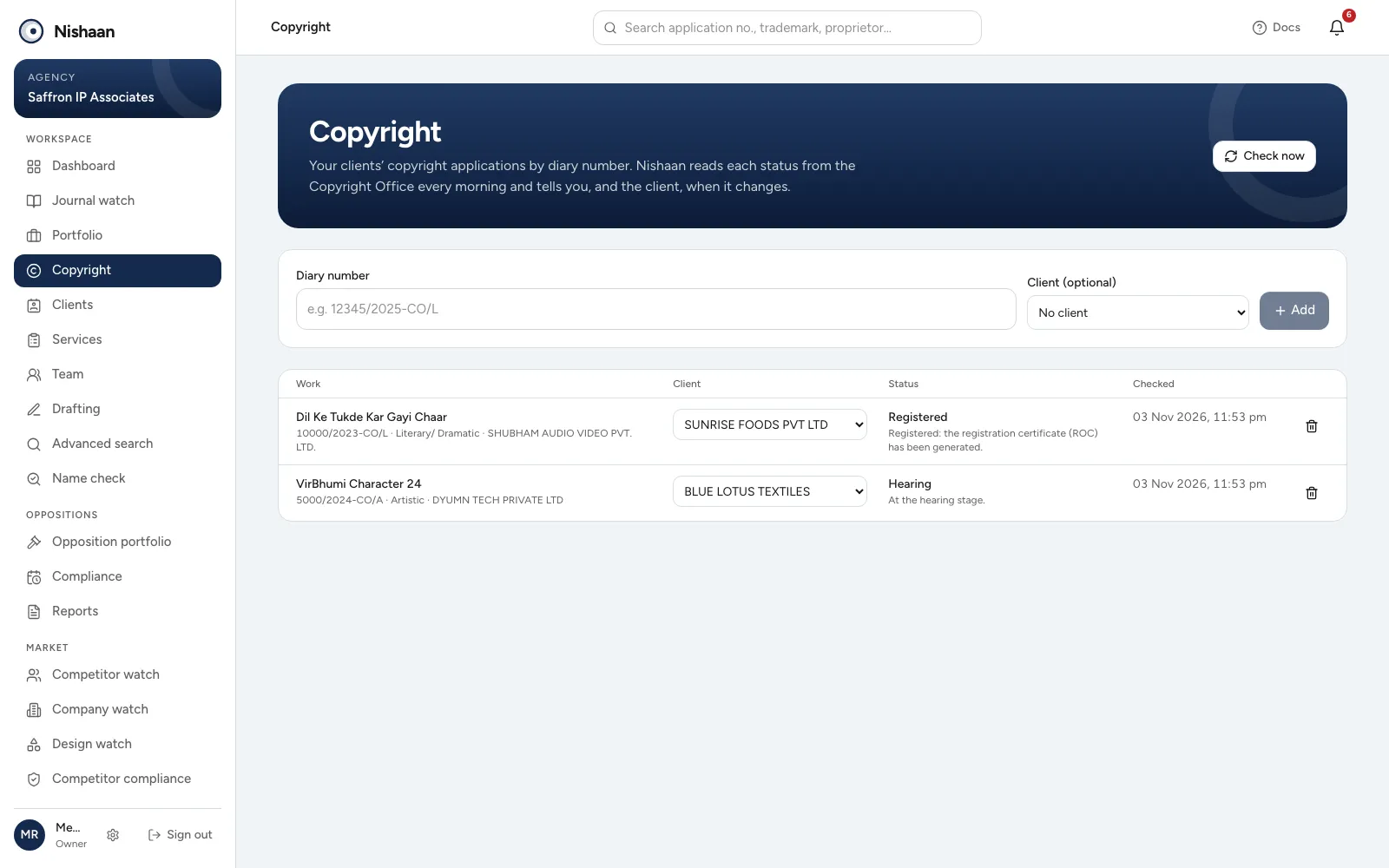
Copyright. Applications by diary number, each with its client, status and when it was last checked.
Open Copyright in the sidebar.
Adding an application
Type the diary number as the Copyright Office writes it, such as 12345/2025-CO/L, choose the client if it is theirs, and Add. Nishaan checks the number with the Copyright Office first: if it has no such application, you are told straight away, so a mistyped number never sits in the list.
Each application shows the title of the work, the class of work (literary, artistic, music, software and so on), the applicant, the client, the status with what it means, and when it was last checked. History lists each change of status with its date.
You can change the client later in the list. The bin stops tracking an application.
When the status changes
When a status changes, for example from Scrutiny to Hearing or to Registered, the client's lead is told, and the client gets an email and a notification in the client portal and the phone app. Changes also go in the daily email, under Copyright applications. Check now checks all your firm's applications at once.
Registered and abandoned applications are checked once a week; the others every day.
What the statuses mean
These are the Copyright Office's own words:
- Work awaited: the work has not been received yet.
- Waiting: paid; the application is in the one-month waiting period for objections.
- Documents not received: documents or the work were not received after payment.
- Scrutiny and Re-scrutiny: the application is being examined.
- Pending for hearing and Hearing: the hearing stage.
- Sub-judice: waiting for a court's decision.
- Abandoned: no reply to the discrepancy letter, or the work was not received.
- Registered: the registration certificate (ROC) has been generated.